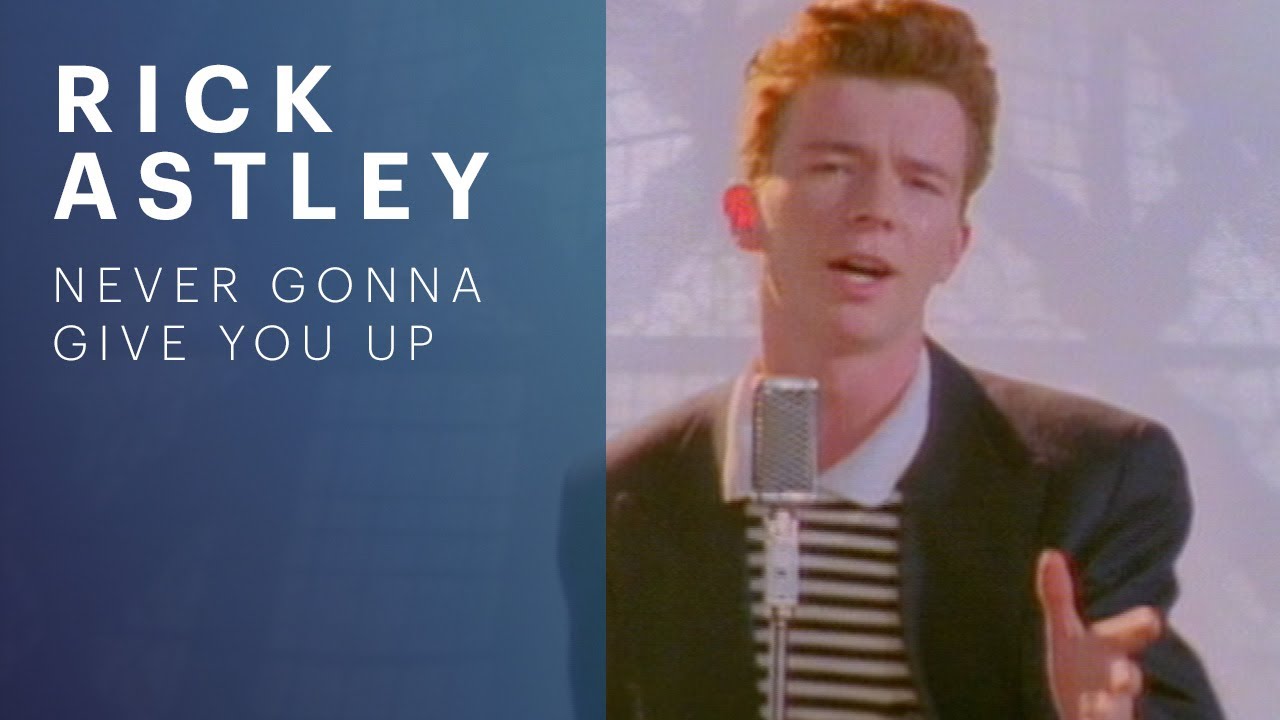

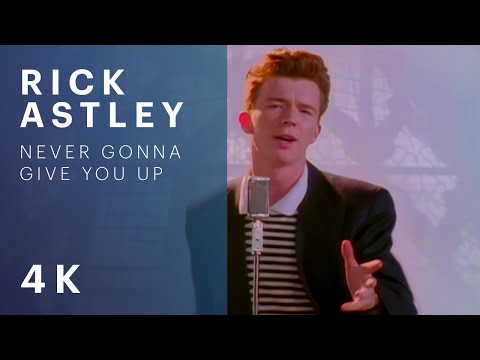


YouTube already publishes the stills. This page pulls the video id out of the URL shapes people paste and lists the public `i.ytimg.com` variants — maxres down to the four storyboard frames. Open the original file; we do not re-host the image.
The stills are fetched from YouTube’s public thumbnail CDN by your browser. orangebot never sees the URL.
FreeNo sign-upRuns in your browser
How to grab a YouTube thumbnail
- Paste the URL. watch?v=, youtu.be/, Shorts, embed, or the 11-character id alone all work.
- Pick a size. maxresdefault is 1280×720 when YouTube has it. Older videos 404 that slot — the page hides the broken card.
- Open the original. Each card links at the CDN. Right-click save if you want the file.
Frequently Asked Questions
- Do I need to log into YouTube?
- No. Thumbnails are on a public CDN.
- Why is maxres missing?
- YouTube does not generate 1280×720 for every video. Use HQ or SD instead.
- Is this allowed?
- The stills are the same files the watch page already shows. Respect the video’s licence if you republish them.
Use Cases
- Pull a clean still for a blog post about a video
- Compare thumbnail variants before you upload your own
- Grab a Shorts cover without opening the app